Harness the Intelligence of Your Network
Solve the most complex problems of enterprise networks.

Solve the most complex problems of enterprise networks.



Learn how LiveAction delivers demonstrable economic and operational impact.
 ROI
ROI

Reduction in MTTR

Payback
LiveAction has the widest range of functionality, best methods of storage and visualization of any of the tools out there.
– Network Engineer
LiveAction gives us the same level of visibility we had for our physical network—but for our virtual infrastructure.
– Chief Information Officer
LiveAction meets all my specific technical needs and has always been there for us as a true partner.
– Director, Network Engineering


Consolidate Tools. Eliminate Blind Spots.


Ingest network API, SNMP, Flow and cloud telemetry with ease. Leverage powerfully comprehensive visualizations to drive intelligent decisions for optimized networks.
LiveWire provides four times the performance, with less rack space, and lower cost while capturing enterprise wide network packet information for forensic and detailed diagnosis purposes.
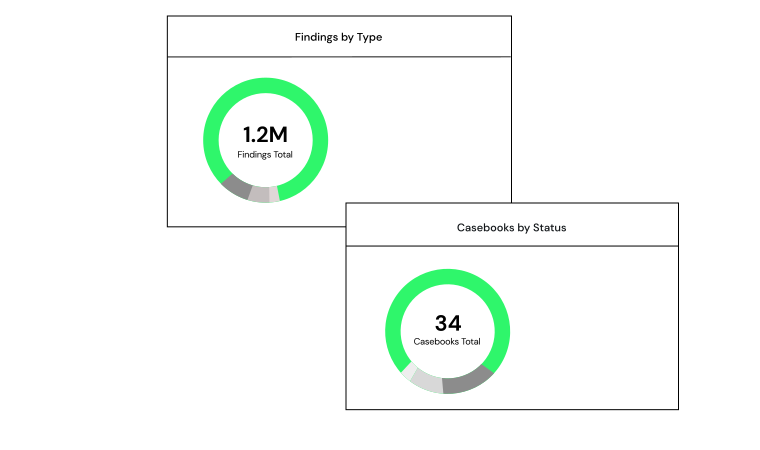
Ingest flow from LiveWire to quickly identify location, duration, and origin of threats and bad actors.